
Firefox 161 Security Update: What Businesses Should Patch Before the Holidays
The Firefox 161 security update fixes high-impact browser flaws affecting graphics, media, networking and machine-learning components. Here is what businesses should do next.
The Firefox 161 security update is a timely reminder that browsers are part of a company’s security perimeter, not merely tools employees use to reach the web. Mozilla announced Firefox 161 on 24 November 2026 with fixes for a large collection of vulnerabilities, including high-impact issues affecting graphics, audio and video, site isolation, networking, the JavaScript engine and machine-learning components.
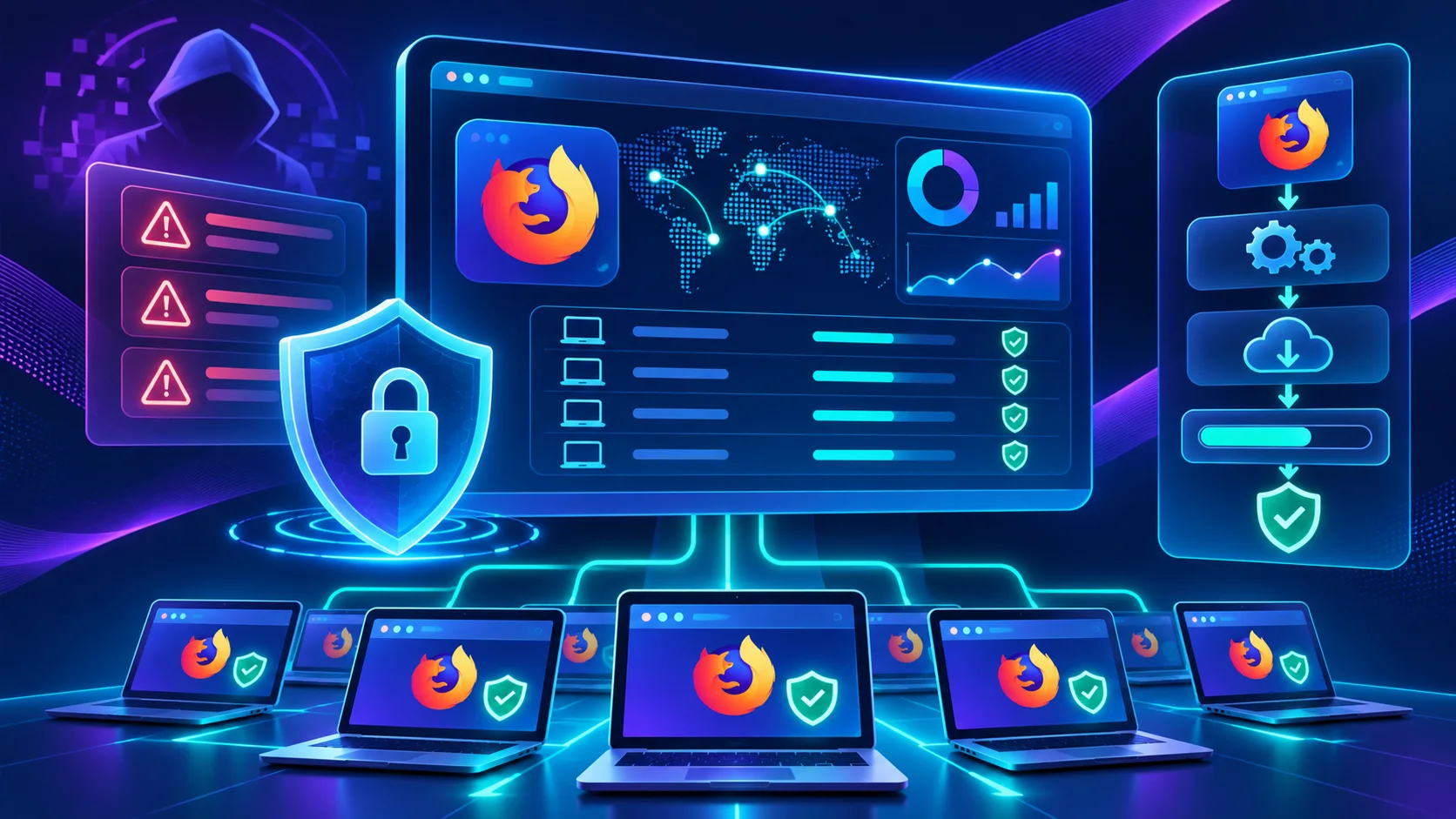
For businesses, the important point is not the version number alone. A browser update can close attack paths used through ordinary browsing, compromised websites, malicious advertising, document previews or carefully crafted media. A reliable patch process should therefore cover managed desktops, remote workers, shared workstations, virtual desktops and mobile devices used to access business systems.
What the Firefox 161 security update addresses
Mozilla’s advisory lists several high-impact defects. Examples include an integer-overflow privilege-escalation issue in the WebGPU graphics component, a sandbox-escape issue involving the audio and video stack, and site-isolation weaknesses in graphics and networking components. The advisory also lists JavaScript, WebAssembly, PDF, storage, machine-learning and WebExtensions fixes.
These descriptions do not automatically mean that every business has been attacked. They do mean that unpatched browsers can expose users to a broader range of risk. A browser processes untrusted code continuously, so security fixes should be treated as operational maintenance rather than optional feature upgrades.
Seven practical checks for business teams
1. Confirm the deployed version
Start with an inventory. Check managed endpoints, browser policies, virtual machines and personally owned devices that are allowed to reach sensitive systems. Do not rely only on the devices connected to the office network.
2. Prioritise privileged users
Patch administrators, finance users, developers and customer-support staff first. These accounts often have access to dashboards, payment tools, source code or customer records, so a compromised browser session can have a larger impact.
3. Test business-critical web applications
Run a short compatibility check against payment portals, customer relationship systems, internal dashboards and browser extensions. The aim is not to delay patching indefinitely; it is to identify a small number of workflows that need monitoring after deployment.
4. Review extensions and policies
Browser extensions can read pages, inject scripts and access business data. Remove abandoned extensions, restrict installation to approved sources and review permissions after the browser update.
5. Use layered account protection
Browser patching works best with phishing-resistant multi-factor authentication, short session lifetimes for sensitive systems and least-privilege access. If a browser session is stolen, strong identity controls can limit what an attacker can do next.
6. Watch telemetry after rollout
Monitor endpoint alerts, identity logs and unusual sign-in patterns for several days. Pay attention to new browser processes launched by office documents, suspicious extensions and unexpected access from unmanaged devices.
7. Record exceptions with an expiry date
If an old application prevents immediate rollout, document the device, owner, business reason and compensating controls. Every exception should have a review date. Permanent exceptions are usually untracked vulnerabilities.
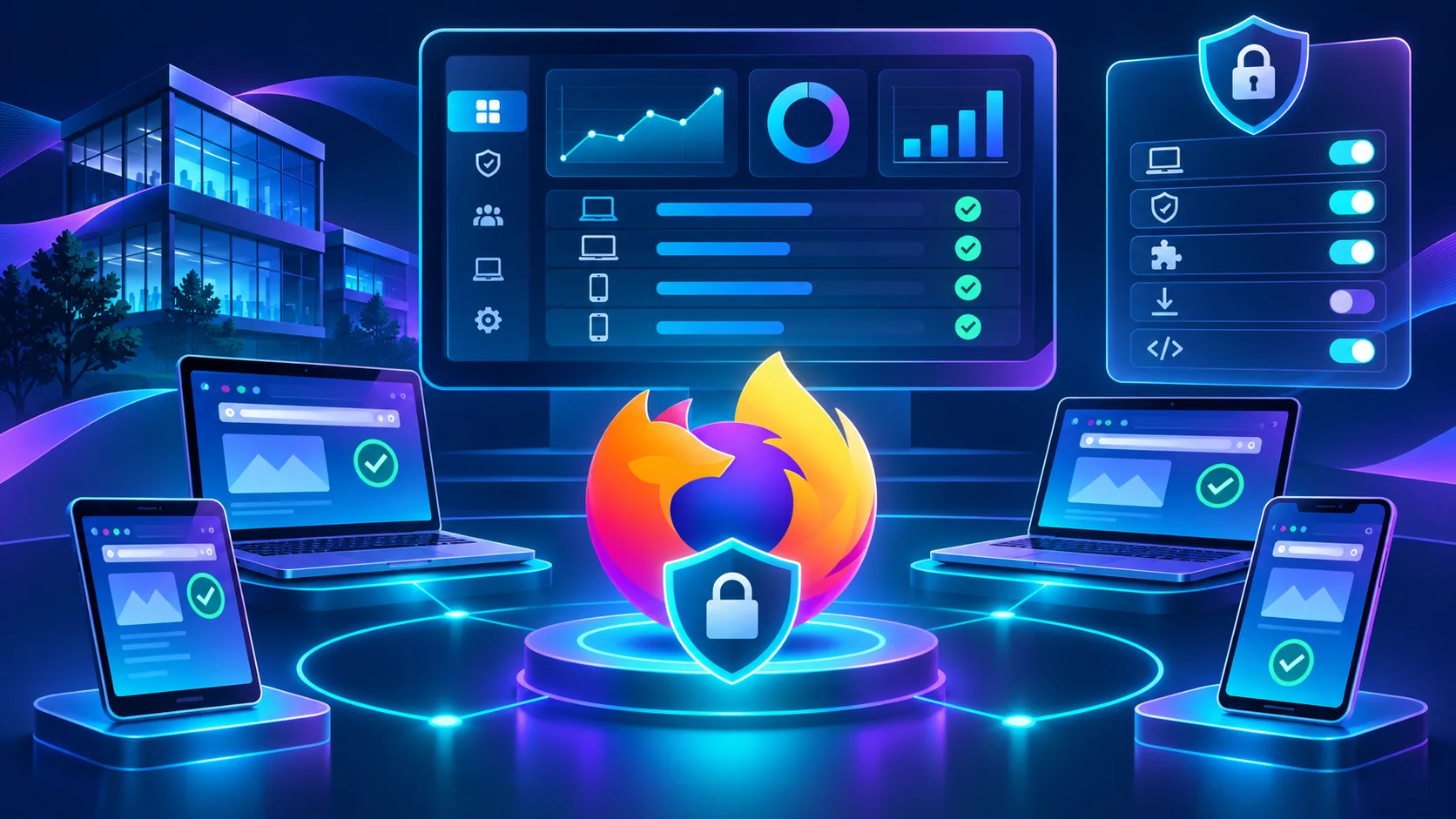
Why this matters for website owners
Businesses also need to treat their own websites as part of the browser security chain. Keep content-management systems, plugins and integrations current, reduce unnecessary third-party scripts and protect administrator accounts. Our earlier guides on WordPress plugin security and AI-assisted cyberattacks cover related controls that reduce the chance of a browser compromise becoming a wider business incident.

Bottom line
Firefox 161 should be handled as a security maintenance release. Update supported devices, prioritise high-value accounts, test essential workflows and monitor the rollout. A disciplined browser process is a small operational investment compared with the cost of investigating stolen sessions, compromised credentials or an avoidable interruption during the holiday trading period.
Sources: Mozilla Foundation Security Advisory MFSA 2026-131.