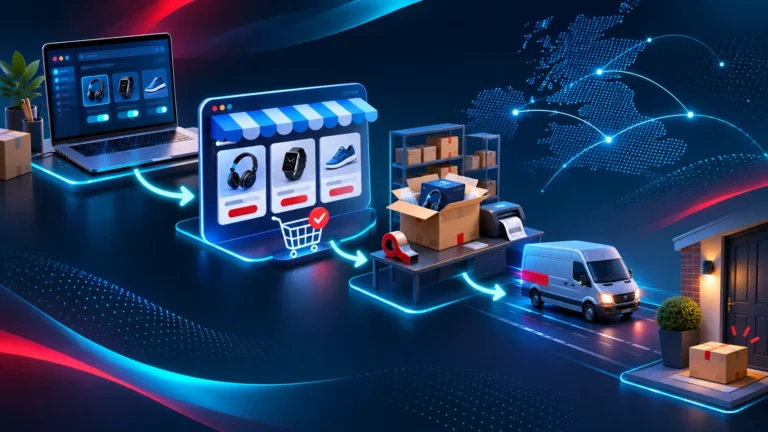
WooCommerce Integration: 8 Smart Strategies for Growing Stores
A practical WooCommerce integration guide covering REST APIs, webhooks, inventory, payments, shipping, security and performance.
WooCommerce integration: WooCommerce gives businesses a flexible foundation for online selling, but flexibility also means that every connection needs a clear plan. Payments, shipping, inventory, marketplaces, accounting, email marketing and fulfilment can all touch the store. A well-designed WooCommerce integration connects the right systems without turning the website into a fragile collection of workarounds.

What Does WooCommerce Integration Involve?
A strong WooCommerce integration gives each connected system a clear job, a controlled data path and a reliable way to recover when something fails.
WooCommerce integration means connecting your WordPress store with another service or business system so that data can move between them. Common examples include product and inventory synchronization, order processing, payment gateways, shipping labels, accounting, marketplaces, customer support, email marketing and analytics.
The first question is not which plugin to install. It is which business process needs to become more reliable.
Begin with data ownership
Decide where product names, descriptions, prices, stock, orders, customer records and shipment status should be maintained. WooCommerce might own the catalogue and checkout while an inventory platform owns stock, a fulfilment service owns dispatch and an accounting system owns financial records.
Document what can be created, updated and deleted by each system. This prevents two-way synchronization from overwriting good data with stale data.
Core WooCommerce integration areas
Products and catalogue
Product integrations need to support simple products, variations, attributes, categories, images, identifiers and stock status. Use a consistent SKU structure, especially when products are also sold on marketplaces or managed in a warehouse.
Orders and customers
Map order creation, payment status, refunds, cancellations, notes, fulfilment, returns and customer notifications. Be careful with personal information and only send the fields the connected service genuinely needs.
Shipping and fulfilment
Shipping integrations can calculate rates, create labels, update tracking and notify customers. Define which system handles the shipping decision and what happens when a label fails, an address is invalid or an order ships in multiple parcels.

Payments and subscriptions
Payment integrations should handle successful payment, failed payment, refunds, disputes and order status consistently. Subscription businesses also need renewal, cancellation and failed-payment workflows.
Marketplaces and product feeds
When products are distributed to marketplaces or shopping channels, create a controlled feed rather than assuming every destination accepts the same product data. Map categories, variations, identifiers, prices, availability and image requirements.
WooCommerce REST API and webhooks
WooCommerce’s official REST API documentation explains how store data can be read and written through the WordPress REST API. WooCommerce also provides documentation for API keys, permissions, products, orders and other resources.
WooCommerce’s official settings documentation explains that webhooks can send event notifications to an external URL, such as notifying a fulfilment service when a new order is placed. Use HTTPS, limit permissions and protect API keys. Revoke unused keys and record which system owns each connection.
WooCommerce Integration, Performance and Reliability
Every integration adds work to the store or to the connected services. Avoid running expensive synchronization on every page request. Use scheduled jobs or event-driven processing where appropriate, cache safe read operations and monitor failed requests.
Test the store during product imports, large order batches, checkout peaks, webhook retries and third-party downtime. A good integration fails visibly and recoverably rather than silently losing data.

Plugin, connector or custom development?
A plugin or maintained connector can be ideal for a standard workflow. Custom development is more suitable when the store has unusual business rules, multiple warehouses, complex products, custom approval steps or strict control requirements.
Compare more than the initial price. Consider update quality, security, documentation, support, data coverage, compatibility, vendor ownership and the cost of correcting failures.
A practical rollout plan
- Audit the current store and connected services.
- Define a single first workflow.
- Map fields, statuses, permissions and errors.
- Test with a limited product and order set.
- Add logs, alerts and reconciliation checks.
- Expand only after the first workflow is stable.
How AETRIXA can help
AETRIXA can help with WooCommerce development, custom integrations, checkout UX, SEO foundations, performance and ongoing support. Visit our e-commerce development service if your store needs a structured integration roadmap.
Conclusion
A successful WooCommerce integration is a combination of good data ownership, secure access, thoughtful automation and continuous monitoring. Start with one painful manual process, build a controlled workflow and expand from evidence rather than adding plugins at random.